Quick start
This is the fastest path from App Store install to your first working source.
1. Install Tifo
Section titled “1. Install Tifo”Get Tifo free on the App Store
Install Tifo on your Apple TV, iPhone, iPad or Mac, then return here to add a source.
2. Prepare your source
Section titled “2. Prepare your source”Choose one:
- M3U / M3U8: playlist URL or file.
- Xtream Codes: server URL, username and password.
- Stalker: portal URL and the details your source requires.
Optional: keep your EPG/XMLTV URL nearby if the guide is separate from your playlist.
3. Add the source
Section titled “3. Add the source”Open Tifo and add the source from the source/import screen. Give it a clear name so it is easy to identify later.
4. Check guide data
Section titled “4. Check guide data”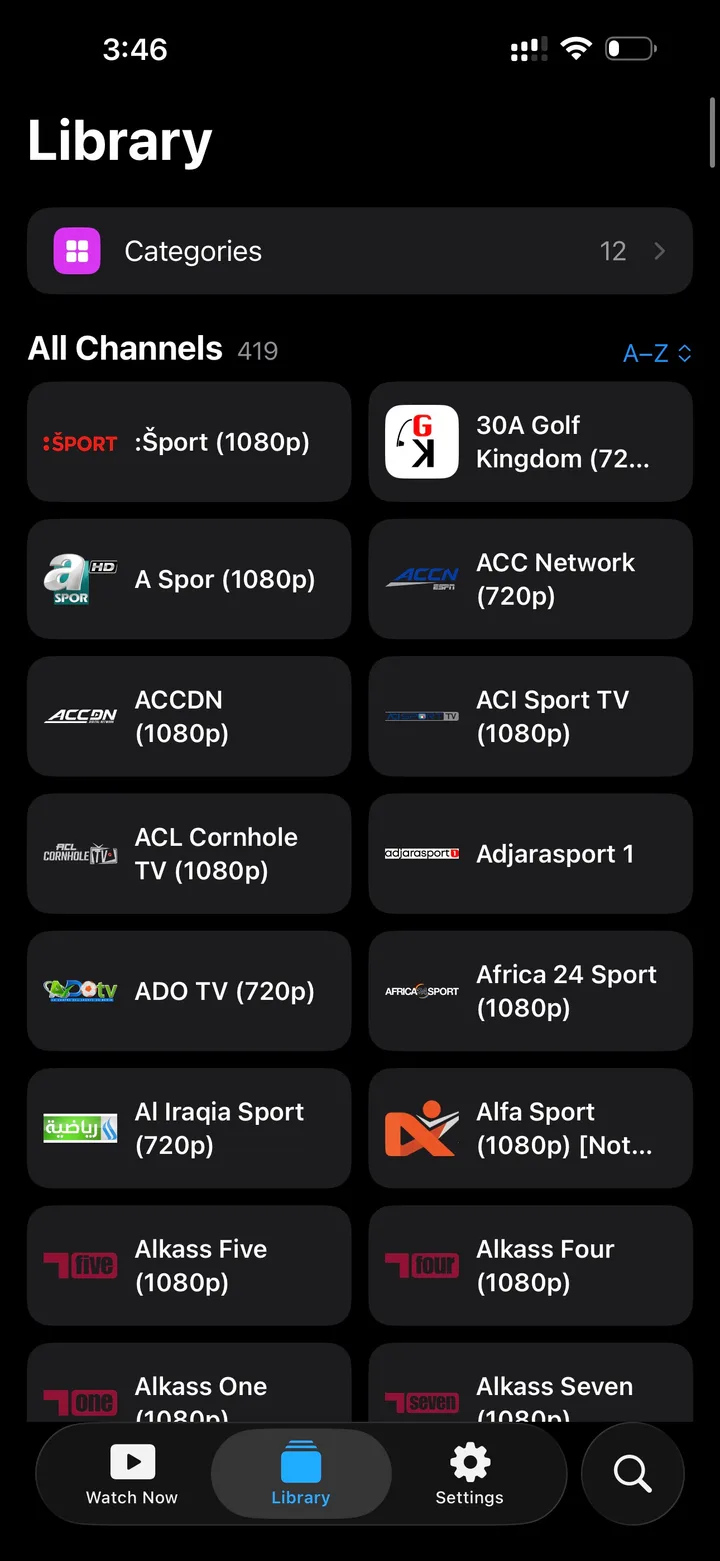
If the EPG is empty, first check whether your source includes XMLTV/EPG data. Missing EPG is often a source-data issue, not a player issue.
5. If playback fails
Section titled “5. If playback fails”Try another channel from the same source, then check whether the stream works outside Tifo. Some playlist entries are offline, geo-blocked, or in a format your device cannot decode.