Use Xtream on Apple TV
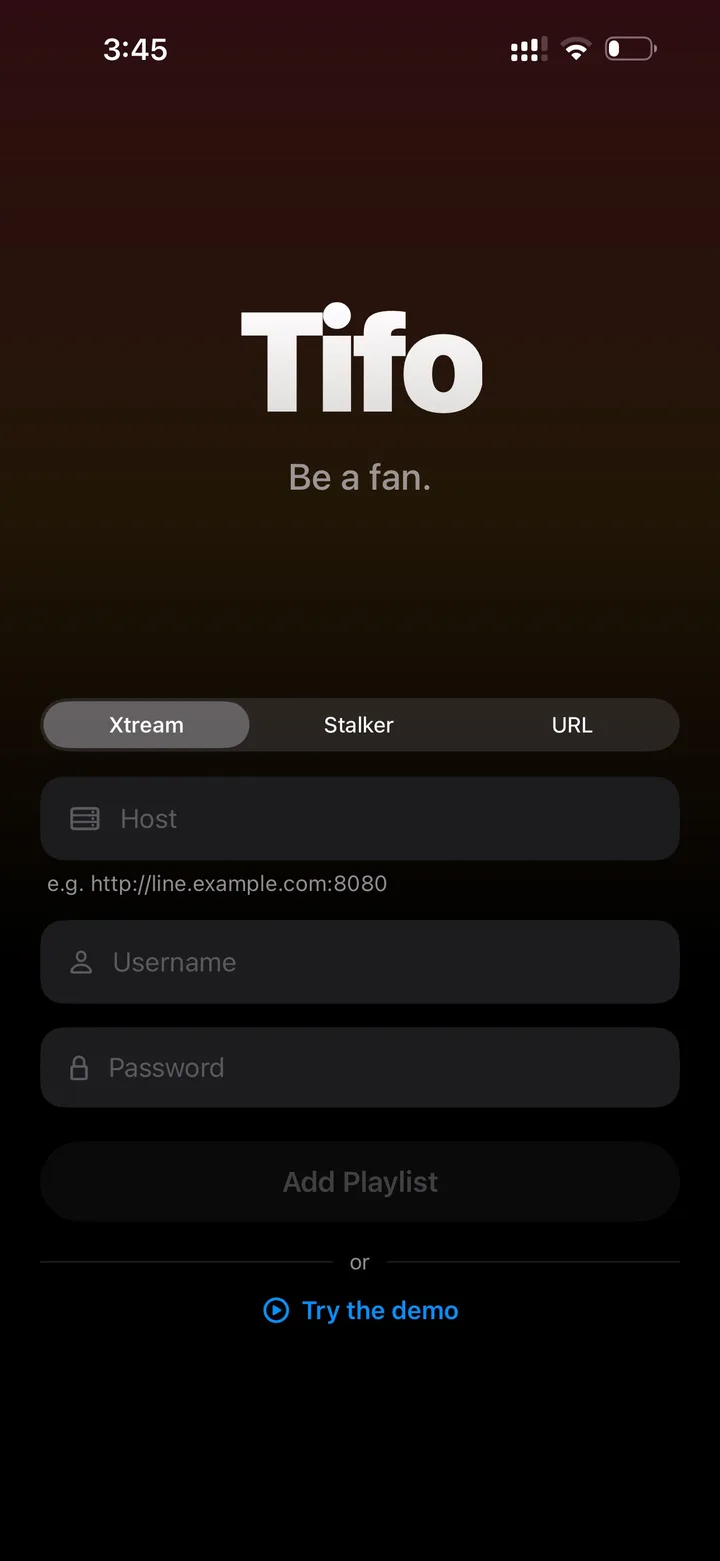
Xtream Codes is a common IPTV login format. Tifo can connect when you provide your own server URL, username and password.
What you need
Section titled “What you need”- Server URL.
- Username.
- Password.
- An active source that uses Xtream Codes login.
- Open Tifo.
- Choose Add Source.
- Select Xtream.
- Enter the server URL exactly as given by your source.
- Enter username and password.
- Save and let Tifo load the library.
- Test live TV, movies, series and EPG if available.
URL checks
Section titled “URL checks”If login fails, check:
httpvshttps.- trailing slash or extra path.
- copied spaces before or after the URL.
- username/password case.
- whether the source is active.
Tifo cannot recover expired credentials or a provider API that is down.